
How It Works
The Azquo Way
How It Works With Azquo. We Add Structure, Control, & Visibility To Spreadsheets, Without Changing How People Work. The Spreadsheets Stay Familiar & The Data Becomes Trustworthy.
How It Works Architecture: Names, Hierarchies, and Values
Azquo has no tables or columns in the relational sense. Instead, every entity — a product, a date, a customer, a measure — is a name. Names form hierarchies: months sit under quarters, quarters under years; products sit under categories, categories under departments. Any name can belong to any number of hierarchies simultaneously.
A numeric value is anchored to two or more names — its peers. For example, a sales quantity of 2 might be attached to Units Sold and Order Item 112233. That order item sits in multiple hierarchies at once: one through products, another through orders, up through dates and customers. The single value is queryable across all those hierarchies without duplication. When a report references a name at any level — say 2024 or London — Azquo automatically traverses downward through the hierarchy and aggregates every relevant value.
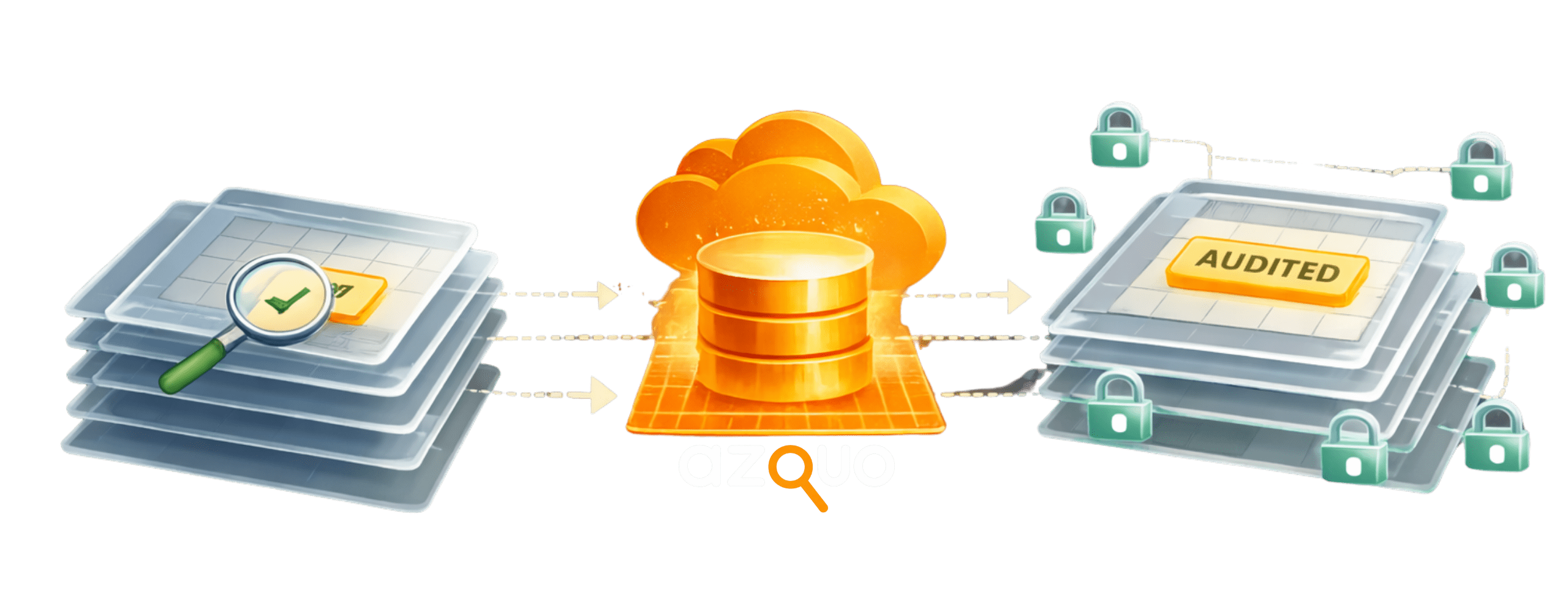
How It Works – How Data Gets In
Data enters Azquo via Excel workbooks. The simplest route is a self-describing workbook where column headers contain the instructions Azquo needs to interpret the data — the file is ready to upload as-is. For external data sources — CSV exports, ERP extracts, text feeds — a separate import templates workbook defines how to interpret each file format, so any incoming file that matches a template is automatically mapped into the correct Azquo structures on arrival. Azquo can draw data from virtually any system that produces a flat file, without custom ETL code or middleware.
Spreadsheet-Native Reporting
A report in Azquo is an ordinary Excel workbook where specific cells define row headings, column headings, and contextual filters. The database resolves requests expressed in these terms. For instance, rows defined as children of All Months × 2024/25 and columns as children of Ecommerce Channels produce a month-by-channel matrix without writing any query language. Business users build and modify their own reports by editing the spreadsheet directly.
The traffic between spreadsheet and database is two-way. Data flows from the database into the report, but values entered or calculated in the spreadsheet can also be written back. This means complex data manipulation — variance analysis, allocation models, what-if scenarios — can be built as standard spreadsheet formulae within report templates. Because the templates reference Azquo names rather than fixed cell ranges, the same template can be reused with entirely different data sets: load a new year’s data or a different division’s figures, and the same report template produces the corresponding analysis automatically.
Find Out More About How It Works
How It Worls – Confidence Without Complexity
Azquo avoids unnecessary technical barriers:

No SQL For Everyday Use
No Reliance On IT Teams
An Intuitive Data-Region Approach
Better governance is achieved through clarity, not restriction.
In-Memory With Direct Links
Azquo normally operates as an in-memory database. Names, hierarchies, and values are held in RAM with direct pointers between them — there is no query parser translating requests into table scans. When a report asks for a value at any level of the hierarchy, the engine traverses direct links to aggregate the answer, making response times fast and predictable.
The in-memory architecture also enables horizontal scalability: the database can be split across multiple memory units, allowing Azquo to hold many millions of names and values while maintaining the direct-link traversal model.
Full Provenance At Item Level
Every name and every value in the database carries a provenance record identifying the source file, sheet, user, and timestamp of the import that created or last modified it. This gives a complete audit trail from any aggregated report figure back to the exact upload that contributed each component value — without separate logging infrastructure.